When you activate this option, the compiler will issue a warning if you have controls without equates.
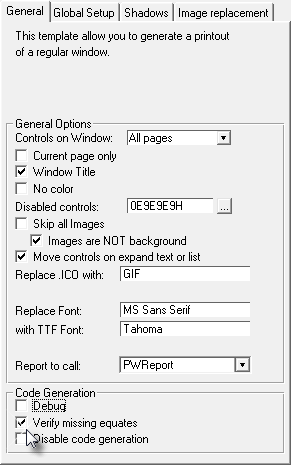
As controls without equates won't print, you may need to check if you left some controls with their USE variable empty. SV's examples are full of those controls, for example TAB controls are usually without equate, and therefore the whole page won't print.
When you DO have a control without equate and activate this option, you will see a warning window like this:
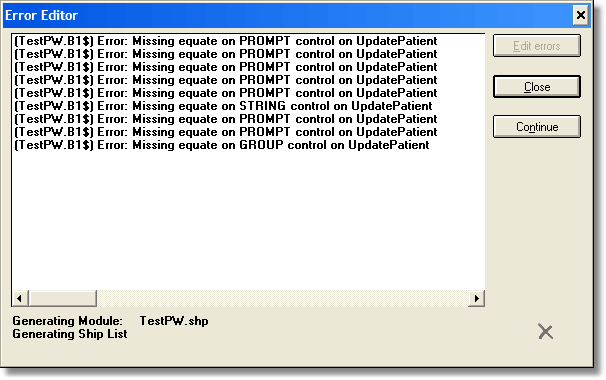
In this example, "UpdatePatient" is the procedure where you should look, and there you'll find several prompts, a string and a group without equate.
As this is just an informational warning, you may press the "Continue" button and the compilation will go on without problems, except that these particular controls and all their child controls won't print on the PrintWindow report.
If you don't want to see the warning, you may just deactivate this option.