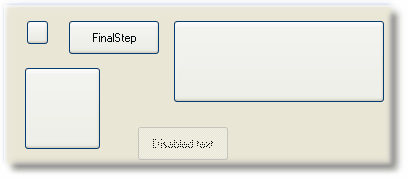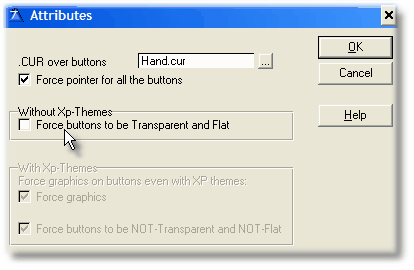
When you don't tick the "Force buttons to be Transparent and Flat", you may have buttons like this at design time:
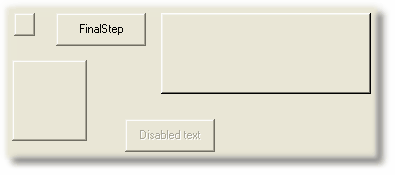
This buttons are not Flat. When your program runs, they will look like this:
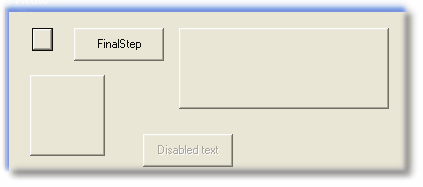
It seems that the template is not working!! But in fact, the graphics are there, they are just behind the buttons and you can't see them.
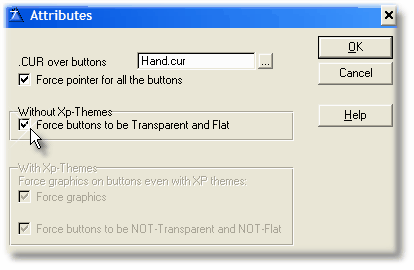
You have to tick the "Force buttons to be Transparent and Flat":
And after recompiling your program, the same window will look: