The second option:
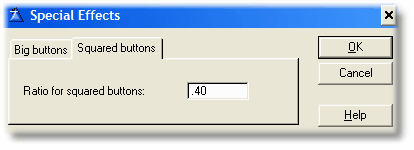
"Square buttons" - The template is going to use different graphics for "squared" and "rectangular" buttons as well. To choose between them, it is going to use the "ratio" entered here. If you enter zero (0) the button has to be perfectly squared to pick the square graphic, but this is not advisable. You may have buttons almost squared (like for example 14x15, or 10x11), if you enter zero here these buttons will take the "normal" graphic, thus distorting it and creating an ugly visual effect (when the button has border). The ratio indicated here is the tolerance up to take the square graphic instead of the normal one. A ratio up to 1 use to works fine.
You can test the changes to these values testing the example application provided with the template (Enter the "Demo" menu, "Button Sampler" option).