This is a regular procedure (template driven) that you import into your app (or data app, in a multi-dll system).
This procedure is called from any Browse or Form if you activate the global Hotkey (by default Ctrl-Shift-R).
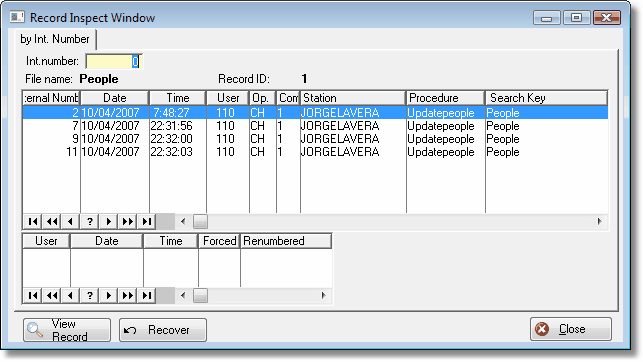
To import it into your app, use the "File" menu, "Import Text" option, and pick the file
BrowseAuditRecordA55.txa for ABC, or
BrowseAuditRecordL55.txa for Legacy (For any Clarion version).
This will insert the BrowseAuditRecord procedure into your app. This is all you need to do.
If you want to customize the window to your needs, you may do so. It is a regular browse, so you can add, delete or move its columns as needed.