When you tick this option, the images used in the window for this particular procedure are printed exactly where they are. See the examples String and prompts with graphics, no tabs and String and prompts with graphics and tabs.
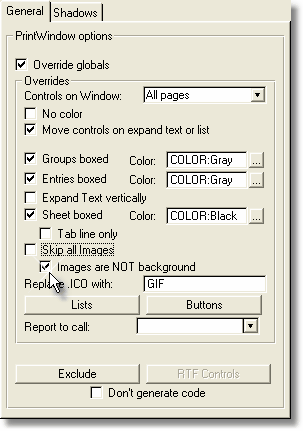
If you don't tick this option, it is assumed that there is only one image per Tab on the window, and that image is the background for the input of data (mimicking a paper Form). The report will change it size according to the size of this one image. There can be a different background image per Tab on the window.
This option will be activated only if you tick the "Override globals" setting.