The "PanelCheckGroupTab" procedure shows a couple of panels in the first Tab. This is how the first Tab of the window looks at run-time:
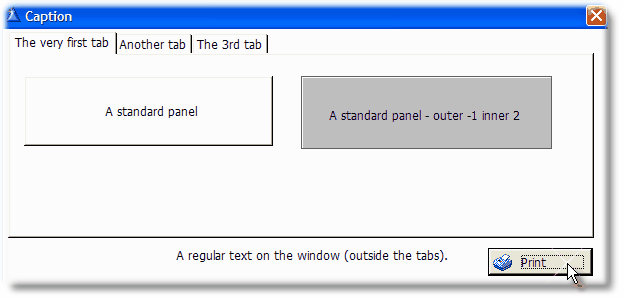
Clarion has no support for "panels" in the report engine, so these are emulated by boxes.
This is how it looks when you press the "print" button or the hot key (whatever applies):
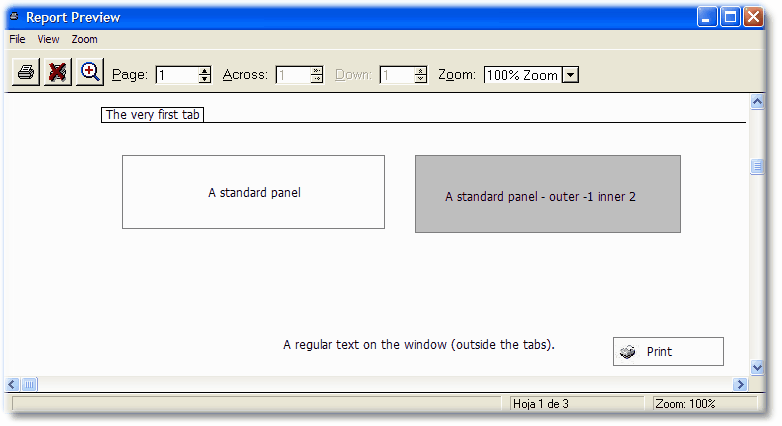
Note that the "bevel" settings of the panels has no effect on the report (they are ignored).
Also note that a colored panel act as a background color for the printout.