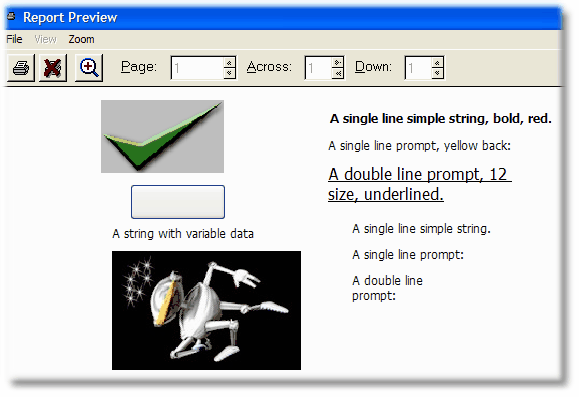
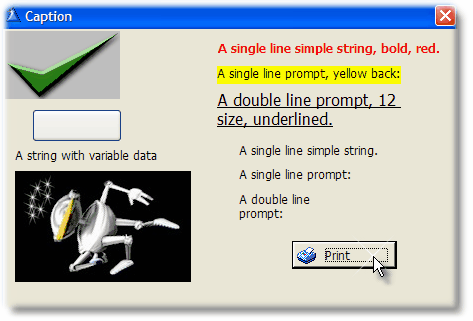
The "StringWithGraph" procedure shows several strings and prompts with graphics at the left. This is how the window looks at run-time:
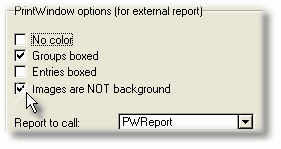
When the images are not used as background, as in this case, you have to select the "Images are NOT background" option in the template.
When you press the button or the hot key (whatever applies), you get this:
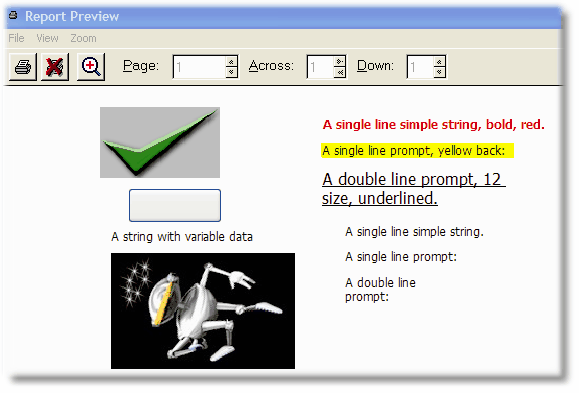
If you select the "no color" option in the template, you will get this: