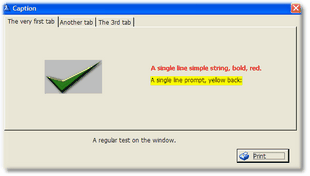
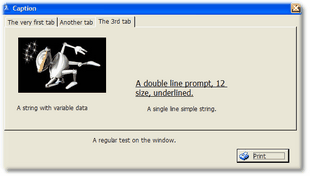
The "StringWithGraphTabs" procedure shows several strings and prompts with graphics as well, across several Tabs. There is a text at the bottom which is outside the tabs, on the window itself.
This is how the window looks at run-time:
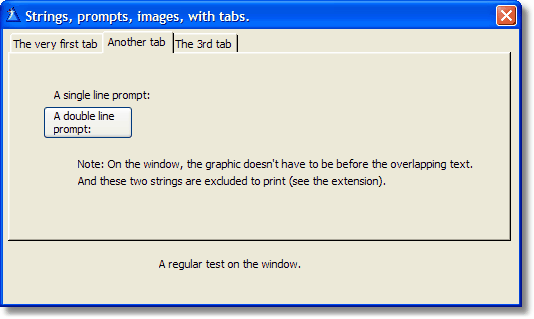
Let's take a look at the second Tab.
Here you can see two lines of text that we don't want to be printed. If you enter the "Exclude" button, you will see them selected in the list.
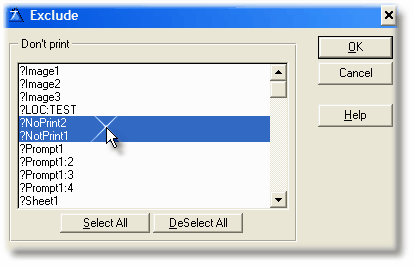
This way, when you press the "Print" button or the hot key (whatever applies), you get this:
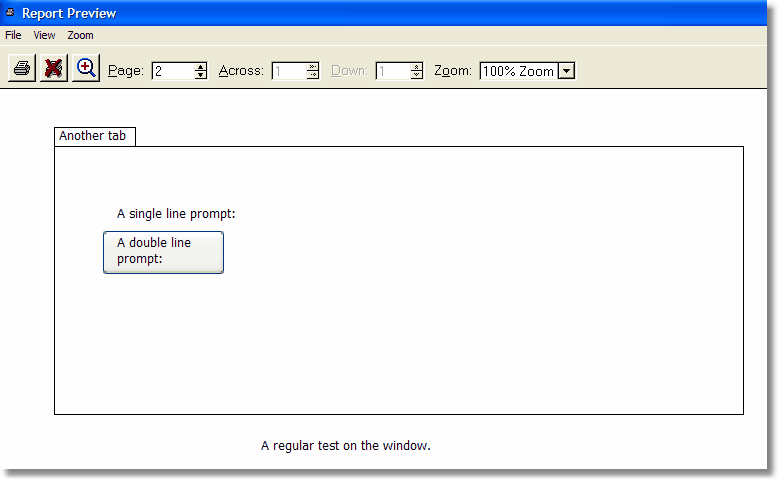
This is the page 2 of 3 (As each Tab prints on a different page).
The tab label is indicated at the top of the page, while the "window" text shows at the bottom, on every page.
Take note that the two excluded lines are not in the report.
Also, you can see that overlapping controls are ok as the prompt is over the "button" graphic and it's printed the same way, no matter the order of the controls on the window structure.