The "UpdatePeople" procedure shows several different fields, across a couple of Tabs. This is how the first Tab of the window looks at run-time:
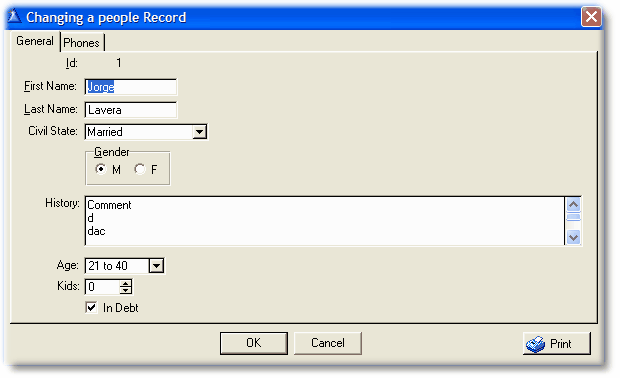
Look at the "History" field. This is a "text" type field. It has more content that what you can see here, thus the vertical scroll bar.
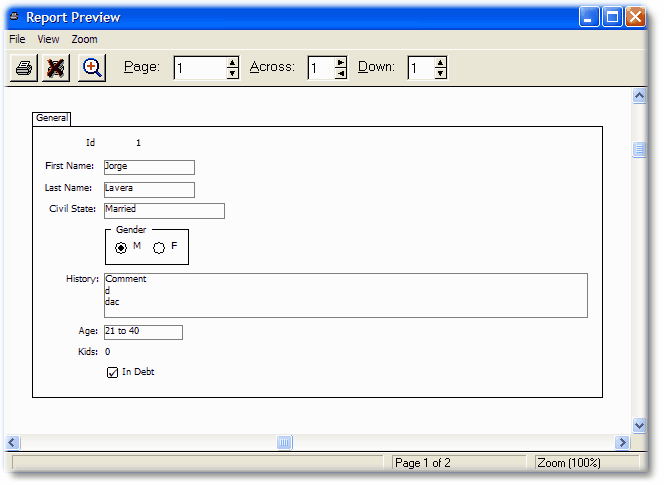
Using the default options the report should print like this:
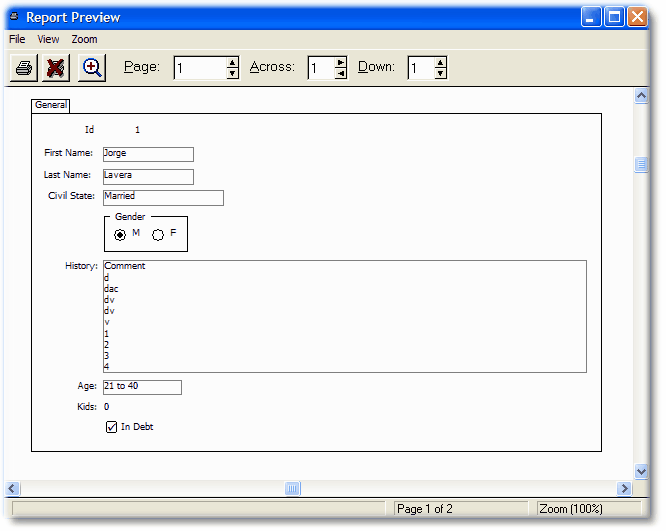
If you want to see the full content of the text field, then you have to select the Expand Text vertically option. In this particular case we have controls below the text field, so we should activate the Move controls below option. This way, the report output will look like this: